What does a vignette app do?
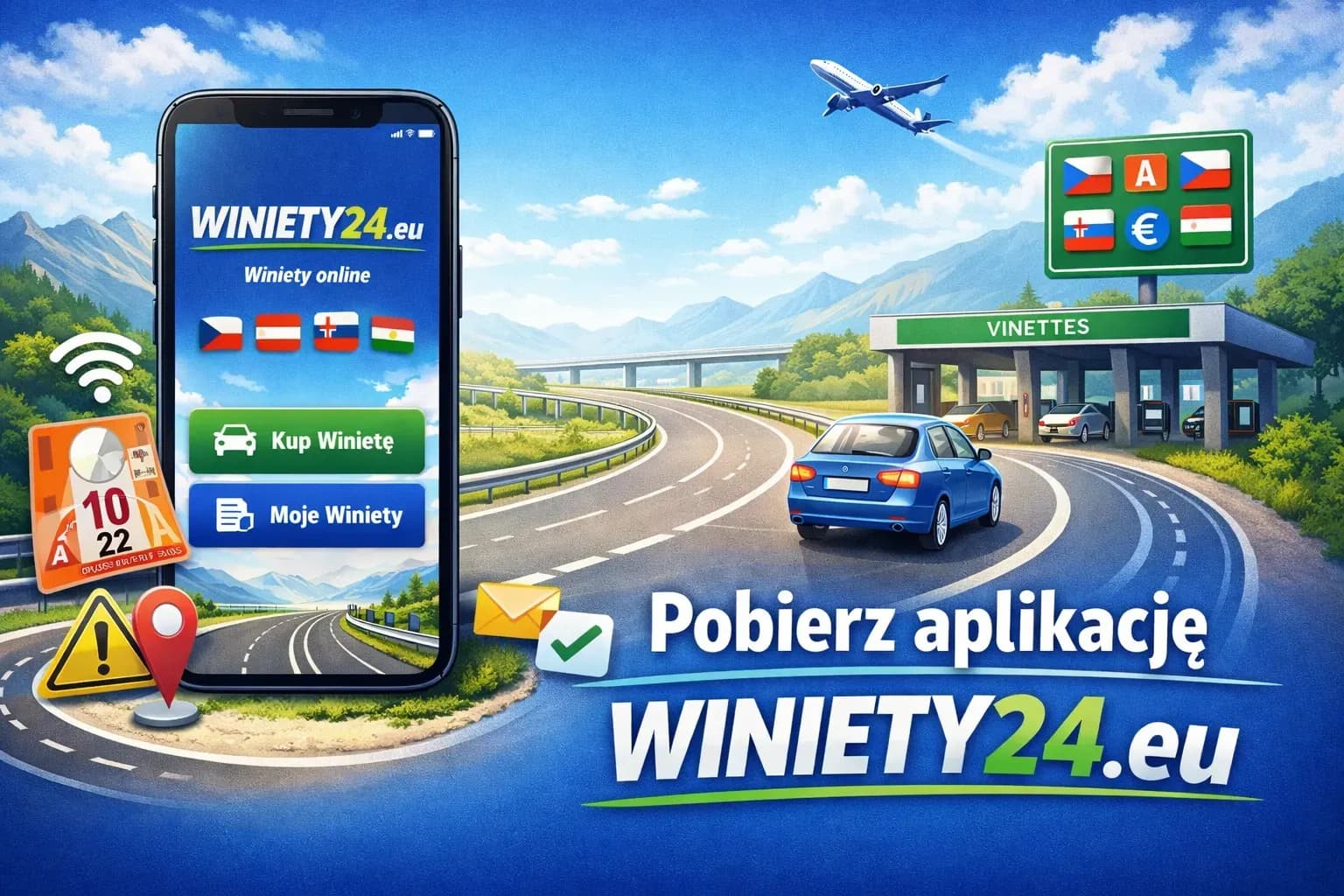
Electronic road vignettes are linked to a vehicle registration number rather than a physical sticker. A mobile app can make the purchase process easier by keeping vehicle details, orders and purchase confirmations accessible on your phone.
Winiety24 also has a dedicated page describing the app and its purchase-history functions: Winiety24.eu mobile app.
Winiety24 app – main features
- Mobile e-vignette purchase: start an order directly from your phone.
- Purchase history: previously completed orders can be easier to find in one place.
- Digital confirmations: keep purchase information available without searching through old emails.
- Expiry reminders: app notifications can help you remember when a vignette is nearing the end of its validity.
- Travel tools: the app also supports additional Winiety24 travel services where available.
How to buy an e-vignette in the Winiety24 app
- Open the app and choose the country relevant to your route.
- Select the correct vehicle category and the available validity period.
- Enter the registration number and registration country exactly as shown in the vehicle documents.
- Choose the start date where the selected vignette product allows it.
- Complete payment and wait for purchase/activation confirmation before entering a toll road.
Vignette types, validity periods and activation rules differ by country. For country-specific prices and requirements, use the dedicated destination pages rather than relying on a general app guide.
European countries use different road toll systems
There is no single European vignette covering every country. Austria, the Czech Republic, Slovakia, Slovenia, Hungary, Romania, Bulgaria and Switzerland, for example, use different national rules, vehicle categories and validity periods.
| Country | General system | What to check before purchase |
|---|---|---|
| Austria | Digital / motorway vignette system | Vehicle category, validity period and any separate section tolls |
| Czech Republic | Electronic vignette | Registration details, vehicle eligibility and validity period |
| Slovakia | Electronic vignette | Registration details, vehicle/trailer rules and start date |
| Slovenia | Electronic vignette | Correct vehicle class and validity period |
| Switzerland | Motorway vignette | Vehicle category and current annual-vignette rules |
Looking for current road-vignette offers rather than app information? Go to Winiety24.eu e-vignettes.
Download the Winiety24 app
Use the official store listing for your device:
Frequently asked questions
Do I need to print an e-vignette purchased in the app?
In electronic vignette systems, the road-use right is normally linked to the vehicle registration number rather than a windshield sticker. Keep the digital purchase confirmation available in case you need to verify the order details.
Is a vignette active immediately after payment?
Activation depends on the country, vignette type, selected start date and purchase channel. Do not enter a toll road until you have received confirmation that the required road-use right is valid.
Can I buy an e-vignette after I have already used a toll road?
You should purchase the required vignette before entering a road section where it is mandatory. A later purchase should not be assumed to cover an earlier journey.
Where can I read more about the Winiety24 app?
See the dedicated Winiety24.eu app guide or download the app directly from Google Play or the App Store.